
Download Fix it Center – Windows system repair, error fix tool, Microsoft Fix it, system optimization, computer troubleshooting
Overview
Fix it Center is a system utility designed to assist Windows users in identifying and resolving common system errors that may affect performance and stability. As an official tool developed by Microsoft Corporation, it leverages the company’s extensive technical knowledge to deliver reliable solutions for a range of computing issues. The app serves as a proactive troubleshooting aid, scanning the system for errors and providing automated fixes to restore optimal functionality. It is particularly useful for users who may lack advanced technical skills but still need to maintain their computer’s health.
The primary purpose of Fix it Center is to simplify system maintenance by categorizing detected problems and offering targeted solutions. This helps users address issues before they escalate into more serious malfunctions. Real-world use cases include resolving startup failures, fixing driver conflicts, and correcting registry errors. The tool is especially beneficial for home users, small business operators, and IT support personnel managing multiple devices. Its integration with Microsoft’s official databases ensures that the solutions provided are up-to-date and trustworthy.
Although the developer did not provide additional technical details about the app’s architecture or underlying algorithms, its status as a Microsoft product adds credibility and ensures a level of security and reliability. As a free utility, Fix it Center contributes positively to the Windows ecosystem by promoting system stability and user confidence. Its long-standing presence since 2010 reflects its continued relevance in system maintenance tools.
Key Features & Functionality
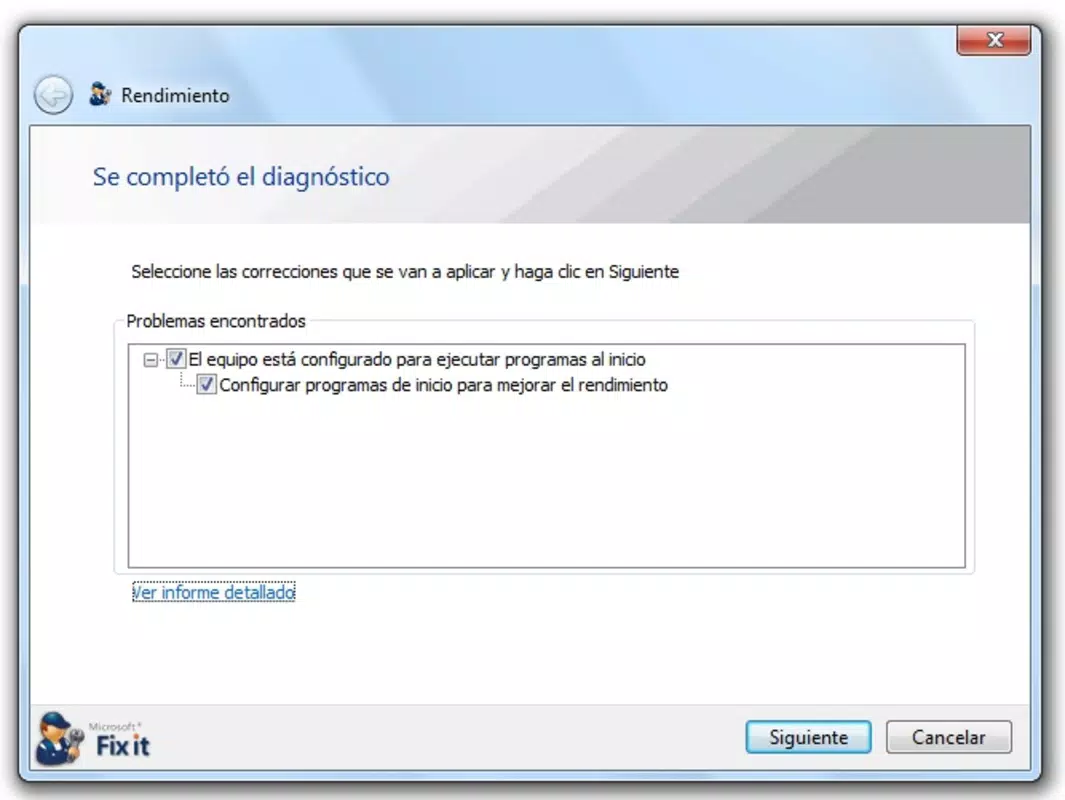
- Error Detection: The app performs comprehensive scans to detect various system errors, including software conflicts, corrupted files, and configuration issues. It uses Microsoft’s verified data to ensure accurate identification.
- Automated Fixes: Once an issue is detected, Fix it Center applies corrective actions automatically, minimizing user intervention. This is ideal for non-technical users seeking quick resolutions.
- Regular Updates: The tool continuously updates its internal database with the latest Microsoft-recommended fixes, ensuring users always have access to current solutions.
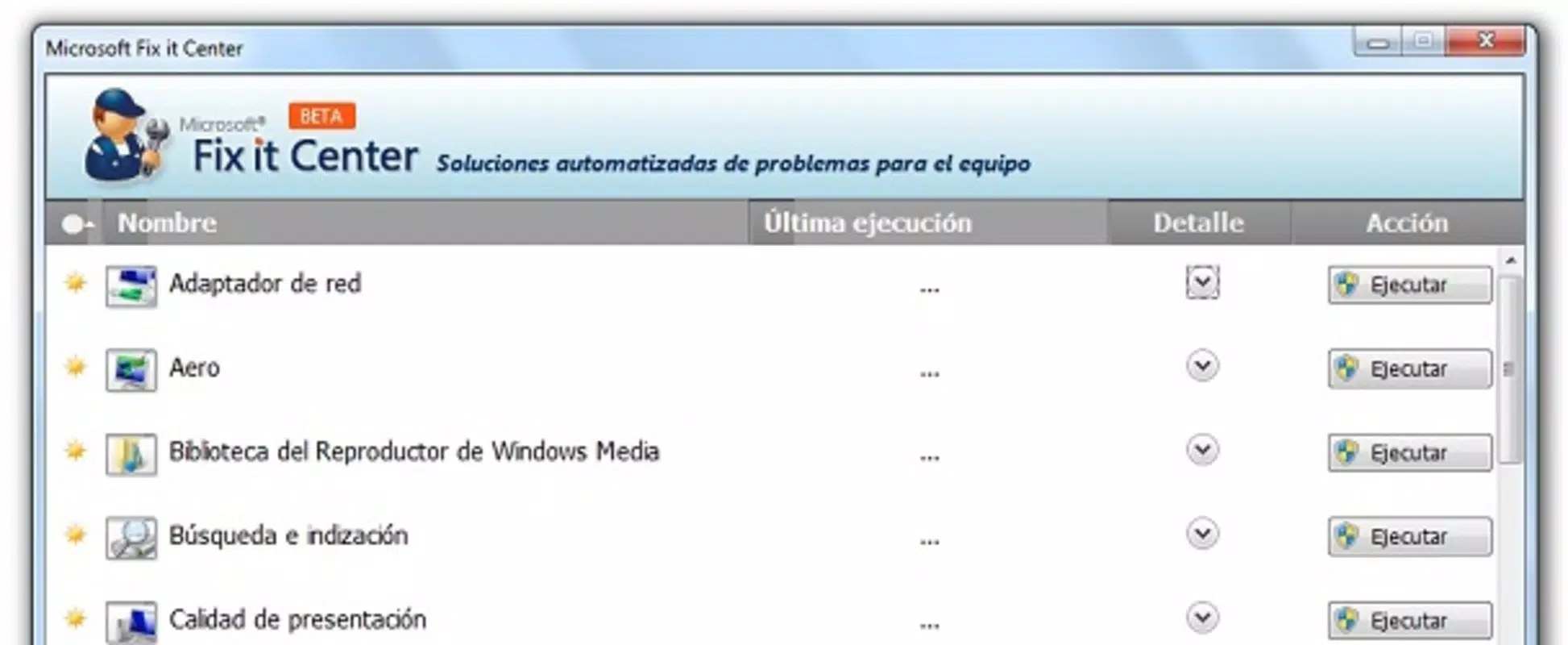
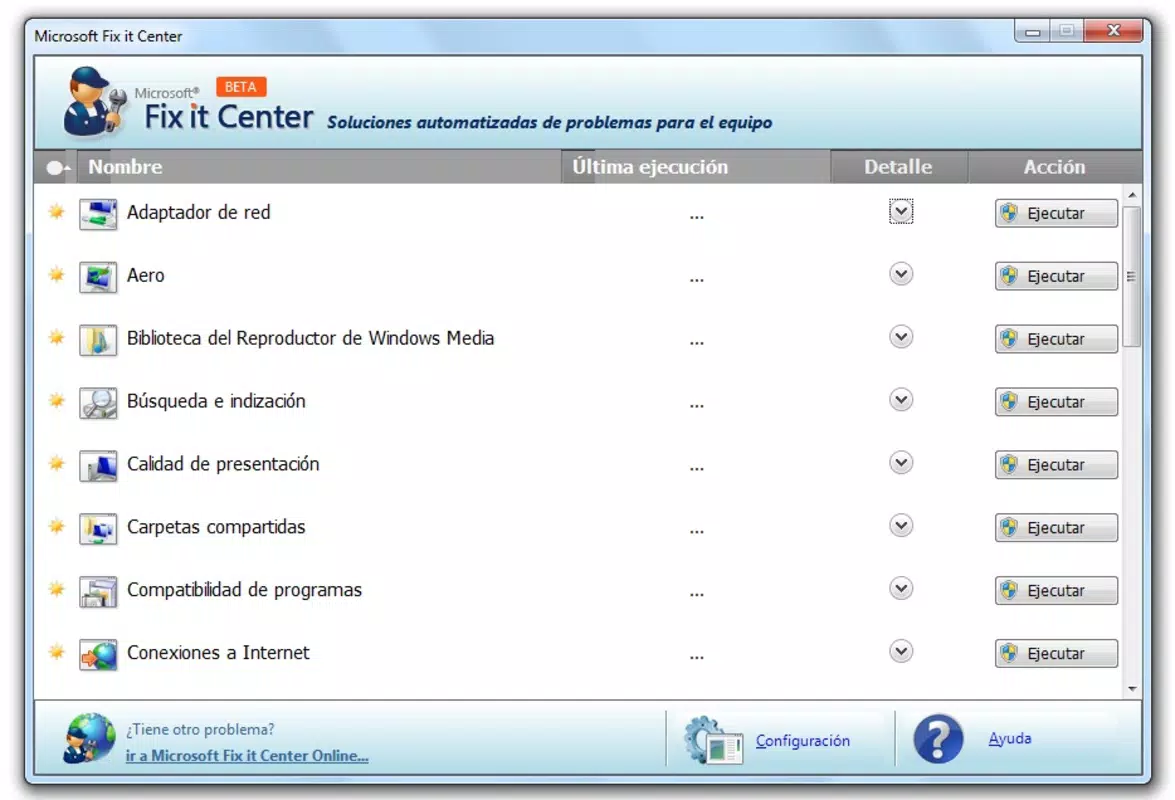
- Categorized Problems: Detected issues are grouped into logical categories such as startup, network, and driver problems, enabling users to focus on specific areas of concern.
- Free Microsoft Tool: As a no-cost utility developed by Microsoft, it provides access to expert-level system repair capabilities without financial burden.
For example, a user experiencing slow boot times may run Fix it Center, which detects a corrupted startup service and applies a fix automatically. Similarly, a network connectivity issue could be resolved through a categorized scan that identifies and corrects misconfigured settings. These real-world applications highlight how the app streamlines troubleshooting and reduces downtime.
Interface, UX & Performance
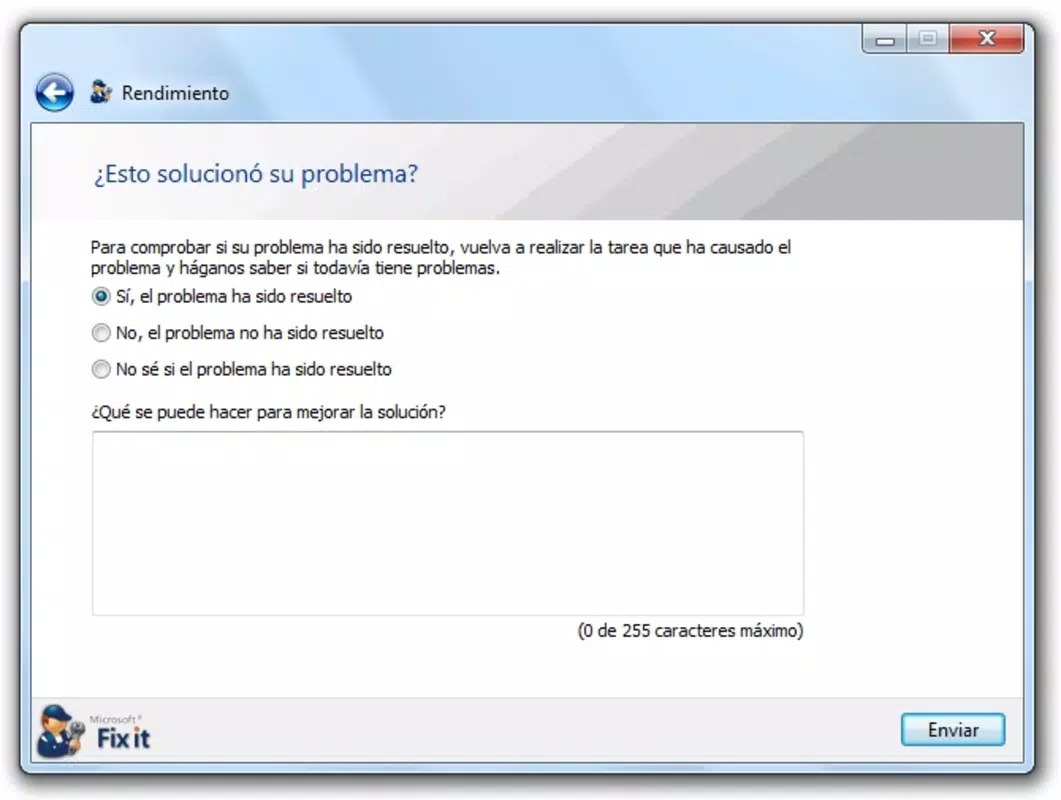
Fix it Center features a clean, straightforward interface designed for ease of use. The layout prioritizes accessibility, with clearly labeled sections and a minimalistic design that avoids overwhelming users. Navigation is linear and intuitive, guiding users through scanning, detection, and repair processes with minimal steps.
The visual style is consistent with Microsoft’s standard utility aesthetics—functional and unobtrusive. Menus are well-organized, and status indicators provide real-time feedback during scans and fixes. Although the developer did not list formal performance metrics, the app is reported to operate efficiently on a wide range of Windows systems, including older hardware.
Responsiveness is generally smooth, with scans completing in a reasonable timeframe. Stability appears to be maintained across sessions, with no known crashes or freezes reported. The app does not consume excessive system resources during operation, which helps maintain overall system performance. However, specific requirements were not listed, and compatibility with newer Windows versions was not fully disclosed.
Platform Compatibility & Technical Requirements
Fix it Center is designed for the Windows platform and is compatible with various Windows operating systems. The app is available in version 1.0.0 and has a file size of 10.2 MB. It is distributed as a free utility, making it accessible to a broad user base.
The developer did not specify minimum OS requirements or detailed hardware specifications. As such, users should verify compatibility with their current Windows environment before installation. While the app has been in use since 2010, its current functionality on modern Windows versions remains uncertain due to limited documentation. It is recommended to test the app in a controlled environment to ensure proper operation.
Pros and Cons
Pros
- Official Microsoft product with trusted reliability and security.
- Free to download and use, offering expert-level fixes at no cost.
- Automated repair process reduces the need for technical expertise.
- Regular updates ensure access to the latest system fixes.
- Issues are categorized for easier navigation and targeted troubleshooting.
Cons
- Specific system requirements were not provided by the developer.
- Compatibility with newer Windows versions has not been confirmed.
- Limited user interface customization options.
- No visible update notifications or changelog details.
- App has not been updated since 2010, raising concerns about long-term support.
FAQ
Is Fix it Center safe to download and install?
Yes, Fix it Center is an official tool developed by Microsoft Corporation, ensuring a secure and trustworthy download. It does not contain malware or unwanted software.
Can I use Fix it Center on Windows 10 or Windows 11?
The app was originally released in 2010, and while it may run on newer Windows versions, compatibility is not guaranteed. Users should test it in a safe environment before relying on it for system repairs.
Is Fix it Center available for mobile devices?
No, Fix it Center is a Windows desktop application and is not available for Android or iOS devices.
Does Fix it Center require an internet connection?
Yes, the tool requires an internet connection to access Microsoft’s latest database of fixes and updates. Offline functionality is limited.
How often does Fix it Center update?
The app updates its database automatically when connected to the internet. However, no specific update schedule is publicly disclosed.
Final Thoughts
Fix it Center remains a valuable resource for Windows users seeking reliable, no-cost system repair tools. Its automated approach to error detection and resolution makes it accessible to users of all skill levels. While its age and lack of recent updates raise concerns about long-term compatibility, its foundation in Microsoft’s trusted infrastructure provides a level of assurance. For those managing older systems or looking for a simple, free troubleshooting solution, Fix it Center delivers practical value. It stands out in the system utilities category for its straightforward design and official backing.
Download Fix it Center now


